
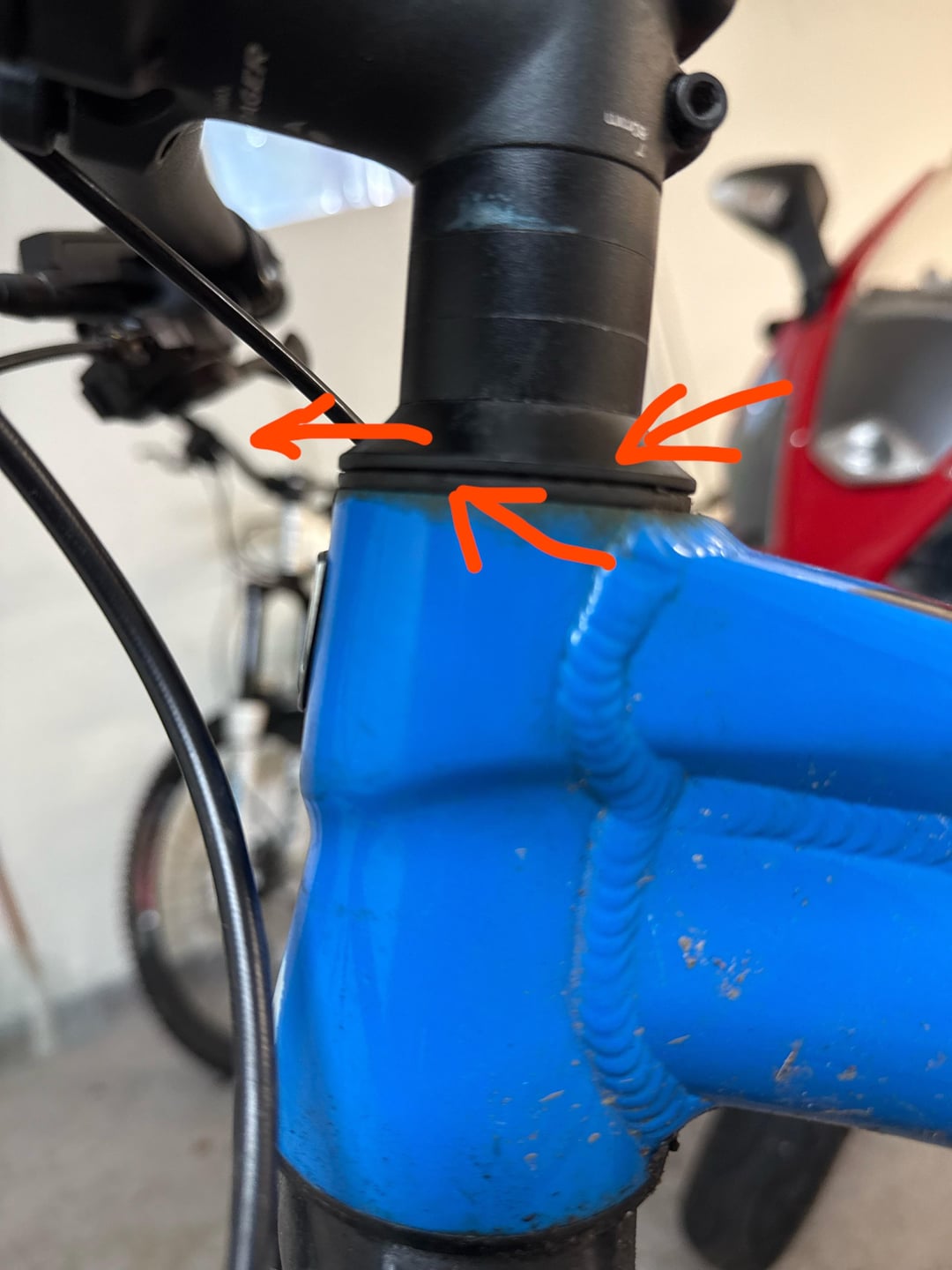
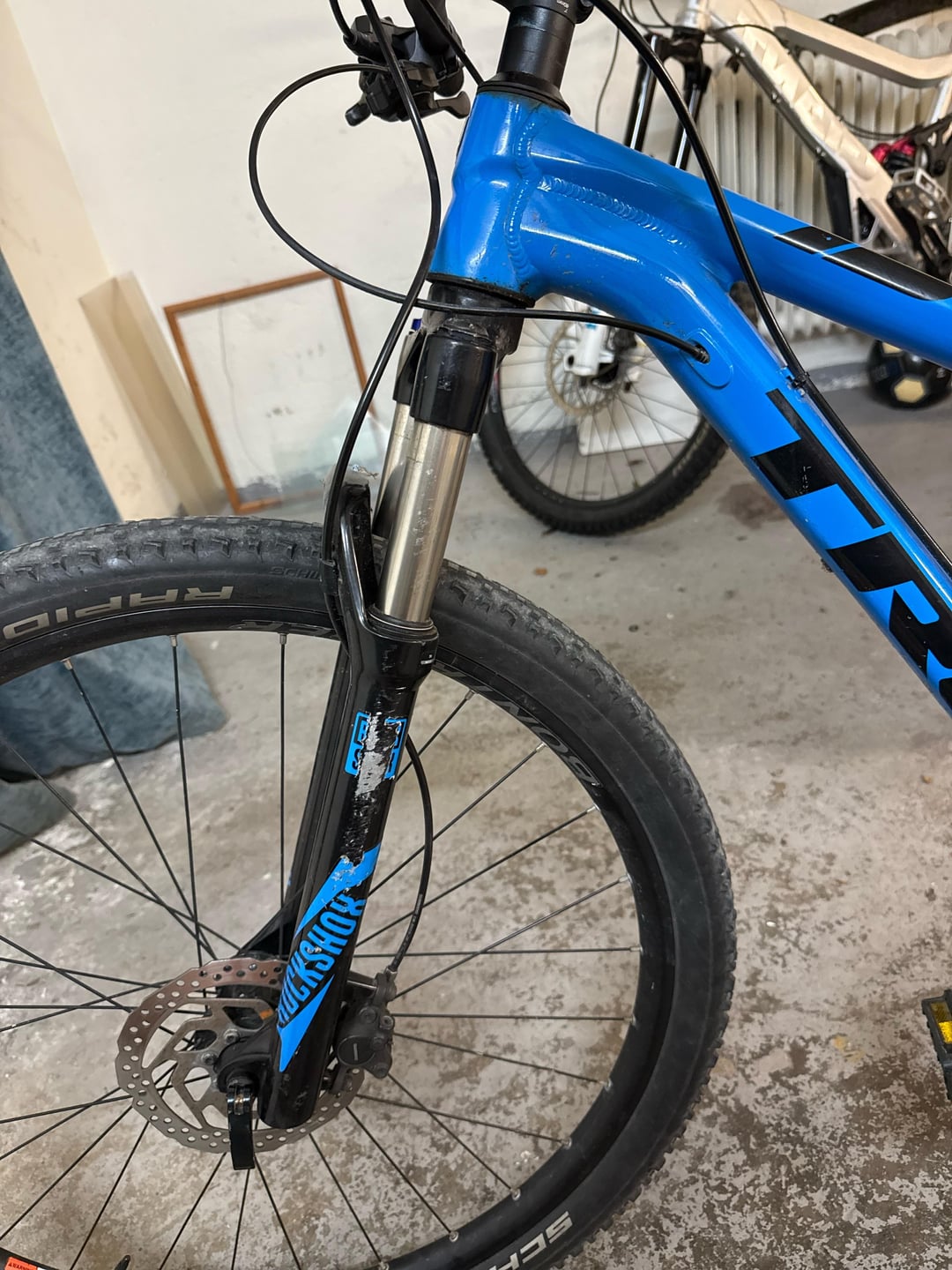
When I brake with the front brake it seems like something is loose as shown in pictures where the top cone shaped washer slightly slides forwards over the bottom one as a result of the force when braking (0.2mm). How do I fix it?
I’m quite a newbie when it comes to fixing bicycles especially when it comes to steering.
I have a TREK X caliber 8 from 2018
by PsychologicalCup3442
5 Comments
Standing next to the bike, hold down the brakes hard and see if you can rock the bike forwards and backwards. If the fork moves in the frame, then your fork isn’t pre-loaded sufficiently. You’ll need to fix that. Go google some YouTube videos on stem installation to see how. TL;DR version:
Loosen the bolts on the stem that attach it to your fork. Tighten the top cap until the fork play doesn’t exist, but not so tight that it doesn’t rotate freely. Align your handlebar and re-tighten stem bolts to specified torque.
Headset is loose.
Loosen the two bolts at the back of handle bars, don’t remove them.
Slowly tighten the bolt in top cap, you may need to remove a cover.
Once every is tight enough, re tighten the two bolts behind handlebar.
Loosen the 2 bolts that hold the handlebar stem to the steerer tube, then turn the bolt on the top cap clockwise in small increments until you have removed the play in the headset.
See this [Park tool video](https://youtu.be/lM4iddLaL8I?si=kMgSoj9LMtsWGnUk) for a more detailed explanation of how to properly preload the headset to remove any play.
You could try tightening your top cap bolt.
Bearing in the headset