
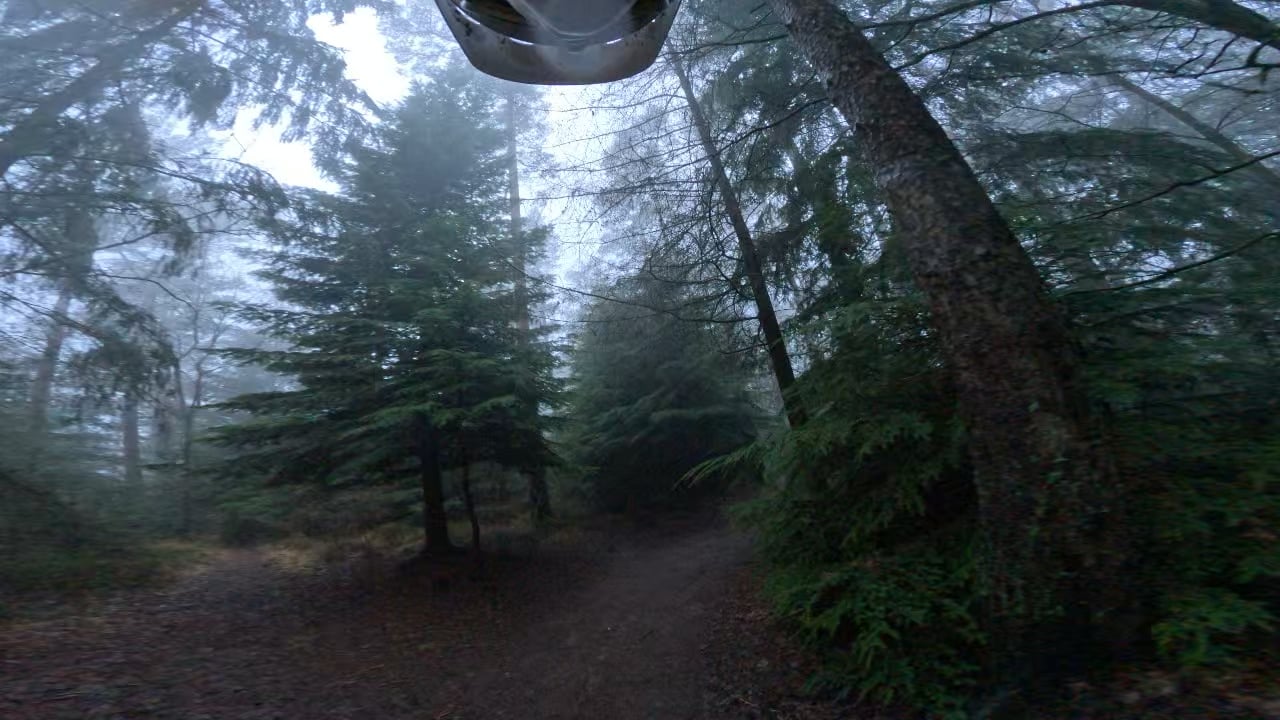
Why is my Gopro hero 11 video so trash? Its shaky and I saw to try and fix that you can change the ISO max so i racked that up but its still shaky and now just looks terrible on top of that with the purple shadows and stuff. I never had problems like this on my 8, so wondering what to do. Thanks.
Why is my Gopro hero 11 video so trash? Its shaky and I saw to try and fix that you can change the ISO max so i racked that up but its still shaky and now just looks terrible on top of that with the purple shadows and stuff. I never had problems like this on my 8, so wondering what to do. Thanks.
byu/NauticalFox9 inMTB
by NauticalFox9
9 Comments
ISO is a measure of how much light is let in. The smaller it is (say 240), less light is let in, more crisp things will appear. The higher it is (Say 3000), the more light you have, but the grainier it is going to look.
So just something to keep in mind. If it’s really dark / shadowy, you may wanna bump it up. Bright sunny day? Crank it back down.
Aside from that, I don’t have much to add, as I haven’t touched a go Pro since like the 3…
sell it, get ace pro 2 like me. literally sold my 11 last week because of this exact issue… its trash
Low light, slow shutter.
GoPro isn’t king anymore. Look at the insta 360 ace pro. Low light is crazy on it.
Can you post some footage from the 8?
Cuz this looks decent considering the challenging lighting. And doesn’t look shaky, I dunno timestamp me
In darker forests you want to lower your framerate and bump your ISO. I mean really you should run these things in auto, but if its not working in auto yeah, lower framerate (24fps is optimal for dark areas) and bump ISO or set an exposure bracketing range that allows it to boost to max ISO if it needs to.
I dunno, it sounds like you did the right things are your footage looks ok. So I need an example of what you want it to look like.
The footage looks like I’d expect. As others have said iso helps with low light but the more iso you run the grainier the footage becomes.
Are you by chance using a different mount than when you used the 8. If you use to mount the 8 on your helmet then that would be why the video looks more shaky now. Your head does a wonderful job of image stabilising for your eyes, but on a chest rig you’ll get how rough the terrain actually is.
All good
Can you adjust white balance? Like others said, ISO controls how much light is perceived by the sensor, so it wouldn’t help shake at all. Its possible stabilization settings may be different, or even that you’re using a different mounting location from where you had the 8? Didn’t give good details.
Get a dji
Sadly this is to be expected with GoPro.
They rank last from what I’ve seen and used.
DJI blew me away with the action 5 capabilities